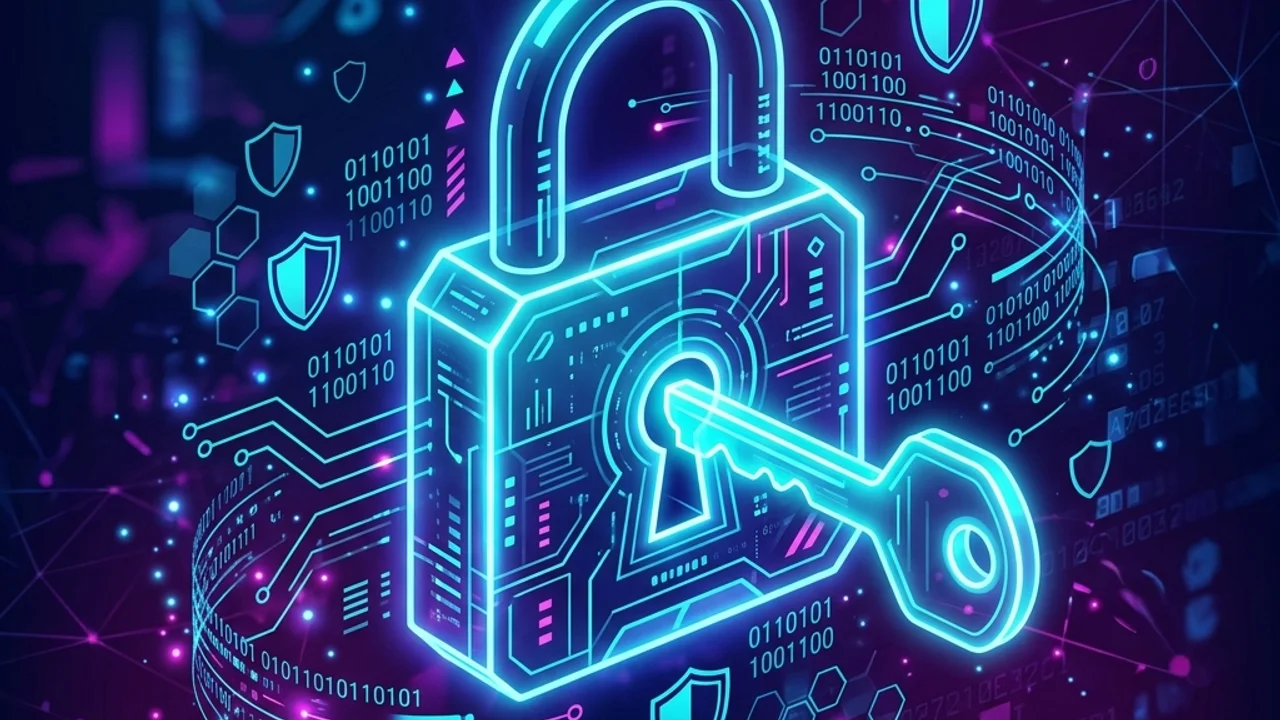
Today, we live our lives logging into dozens of different websites, apps, emails, and financial services. The key that opens the door to all of these accounts is undoubtedly our password. However, many people still use weak passwords because they are easy to remember, or reuse the same password across multiple sites.
A password security breach is the most common gateway for hackers to steal personal information and drain financial assets. This guide outlines the most secure password creation rules and management guidelines to protect your accounts from cyber threats.
1. Five Core Principles for Creating Secure Passwords
Creating a strong password requires a combination of randomness, complexity, and length. Make sure to design your passwords based on these five principles:
① Aim for a Length of At Least 12 Characters
Password length is the single most critical factor in determining how hard it is to crack. Even if you use multiple special characters, a password that is short (e.g., 8 characters or fewer) can be cracked in seconds to minutes using modern GPU-accelerated Brute Force attacks. The recommended safe minimum length is 12 characters, and we recommend 16 characters or more for financial or primary email accounts.
② Combine 4 Different Character Types
You should combine at least three of the following types, though using all four is always the best practice:
- Uppercase letters (A - Z)
- Lowercase letters (a - a)
- Numbers (0 - 9)
- Special characters (!, @, #, $, %, ^, &, *, etc.)
③ Avoid Personal or Predictable Information
Birthdays, phone numbers, names, parts of your user ID, and employee IDs are the first things hackers try in dictionary attacks. Keyboard sequential patterns (e.g., 123456, qwerty, asdfgh) must also be strictly avoided.
④ Do Not Use Dictionary Words
Words found in standard dictionaries or famous proper nouns are extremely vulnerable because they are pre-configured in hacking dictionaries. If you must use words, modify them by randomly inserting numbers or special characters.
⑤ Use a Unique Password for Every Site (Crucial)
No matter how strong a password you create, if you reuse it across multiple websites, your overall security rating is zero. If a small, insecure shopping site you used gets hacked, hackers will try that same username/password combination on major sites (Google, Naver, PayPal, etc.) using Credential Stuffing attacks, potentially compromising all your accounts at once.
2. Security Comparison by Password Length
The table below illustrates the estimated time it takes to crack a password depending on its length under ordinary GPU-powered brute force attacks (assuming a combination of uppercase, lowercase, numbers, and special characters).
| Password Length | Time to Crack (Standard Crack Performance) | Security Level | Remarks |
|---|---|---|---|
| 6 characters | Instantly (Less than 1 second) | 🚨 Dangerous | Never use |
| 8 characters | Minutes to Hours | ⚠️ Weak | Not recommended for any account |
| 10 characters | Weeks to Months | 🟡 Moderate | Safe only if highly randomized |
| 12 characters | Hundreds to Thousands of Years | 🟢 Secure | Recommended standard for general sites |
| 16+ characters | Age of the Universe | 🛡️ Maximum | Crucial for email, cloud, and finance |
3. How to Design Memorable Yet Secure Passwords
If you are worried that you won't remember long, complex passwords, here are some helpful techniques to create strong, easy-to-recall passwords.
The Passphrase Method
Think of a memorable sentence and convert it using a mix of first letters, numbers, and symbols.
For example, take the sentence: "I eat an apple at 7 every morning"
- Extract first letters and numbers:
Ieaeaa7em - Apply uppercase/lowercase changes and symbols:
!IeAeAa7eM!(An extremely strong 11-character password)
The Site-Specific Prefix/Suffix Method
Take a strong core "master key" password and add custom prefixes/suffixes representing the target website.
- Core Master Key:
MySec#99 - Google Password:
GMySec#99L(Adding G for Google at the beginning and L at the end) - Naver Password:
NMySec#99R(Adding N and R)
With this method, you only need to remember one core pattern, yet you can use completely unique and strong passwords for every website you visit.
4. Proper Password Management & Multi-Factor Security
Even the strongest password won't protect you if it's managed poorly. Follow these guidelines to keep your credentials safe:
① Enable Two-Factor Authentication (2FA / MFA)
This is the most critical and effective security measure. By setting up 2FA via authenticator apps (Google Authenticator, Microsoft Authenticator), SMS, or push notifications, hackers cannot log in even if they manage to steal your password. Turn on 2FA for all your primary accounts (Google, Apple, Microsoft, finance).
② Rotate Passwords Periodically (Every 6 Months)
Regularly changing passwords is a good habit. If an undetected data breach has occurred, changing your password invalidates any unauthorized access the hackers might have had. We recommend updating your core passwords at least once every 6 months.
③ Use Browser Password Managers or Dedicated Services
If you have too many passwords to remember, save them securely using the built-in encrypted credential storage of modern browsers (Chrome, Edge, Safari) or specialized password managers (1Password, Bitwarden). Avoid writing passwords down on sticky notes or saving them in unencrypted text files (pw.txt) on your desktop.
④ Avoid Logging In on Public PCs
Computers in public libraries, internet cafes, or hotels may contain spyware, malware, or hardware keyloggers that capture your keystrokes. If you must use a public PC, clear your browsing history and cookies immediately, and change your password as soon as you are back on a trusted personal device.
5. Generate Secure Passwords Instantly
Creating and remembering strong, randomized passwords manually can be difficult.
To simplify your account security, use our free Password Generator. It allows you to generate strong, cryptographically secure passwords in one click and offers real-time strength analysis using the industry-standard zxcvbn library.
Recommended Reading
- Image Compression Guide: Optimize your image file sizes for faster page loading.
- Secure PDF Merging Guide: Combine your sensitive PDF documents without leaking private data.